Set up your legacy contacts
Do you know what happens to your phone when you die? Do you know where your photos will go? Do you know where all those “paperless statements” like your bank and super account details will end up? Do you want people posting to your social media account after you die, or do you want it shut down?
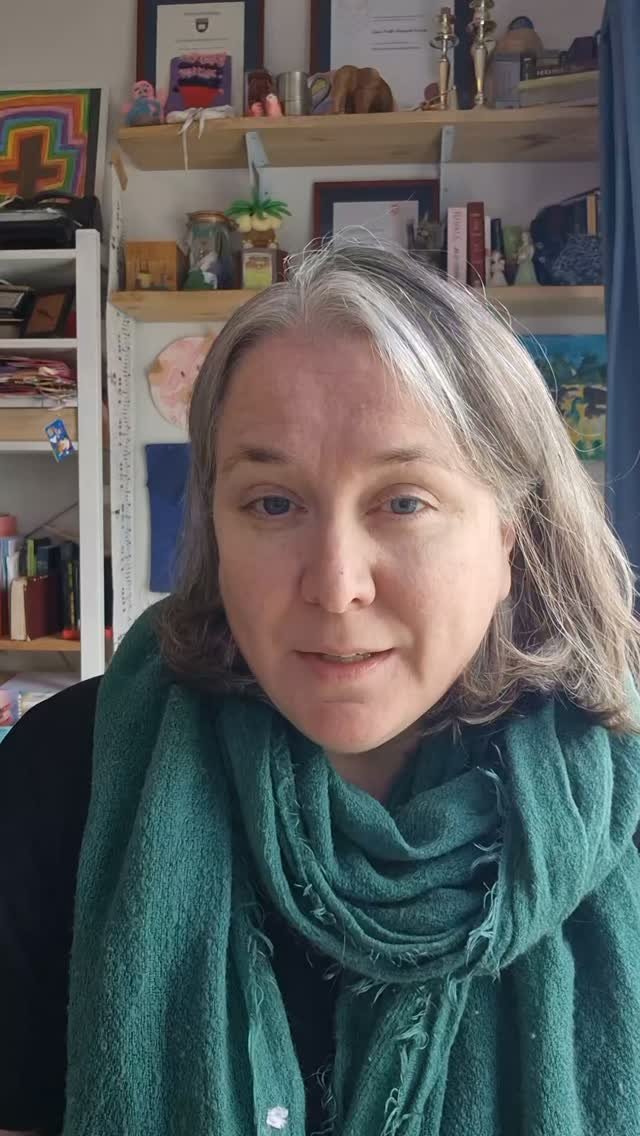
A friend of mine learned the hard way that her father had not set up the legacy contacts on his phone when he died unexpectedly, and then they couldn’t access the photos. You can read more about that here or watch her Tik Tok here. Unfortunately it was an iPhone and they are infamously hard to crack.
What is a legacy contact?
A legacy contact usually refers to someone who will get access to your account if you die. It probably means different things in different contexts, but if you were to Google legacy contact followed by the thing you are trying to protect (for instance, Gmail, Facebook or Samsung Galaxy) you will find out how to set one up.
All the devices or accounts will have a different approach, for instance iPhone won’t send your passwords to your legacy contact, but will send your photos. Setting this up will take 20 minutes or less, and while you are there you could even double check that you have set up a backup for each of these accounts (like a forgot password email) in case you forget your password or your account is compromised.
While you are here
In order to make your life a bit easier, also take a look at your back up, or password reset information while you are in these accounts. For some email accounts you can set up two back up passwords, why not make one your own, and one your trusted person, your legacy contact? If you are unsure how, I have a post on my Instagram account with screen shots that you can follow to do this for your email account. This means that if you die they can use forget password to get in, and it also means if you are having a really bad week (we have all been there) and now cannot get into the back up account that you set, you can ask your trusted friend for help.
For some accounts you can set up an email and a mobile number, you should do both of those things. The thing is, we normally discover that we cannot get into these devices when we are stressed, when we are in a rush. Do your future self a favour and fix this now.
This seems like a lot of effort
While every organisation is trying to force you to do things in a paperless fashion, often those same organisations (for instance banks, superannuation companies and Telcos) will require an Estate to do everything by paper, by snail mail, with original ink to paper signatures. These systems are not set up to make things easier or simpler for your loved ones.
You can reduce so much stress for your family if you could do some homework for them now, and the great thing is that it is all life admin that you really should do anyway. You really should make sure that you have a back up for all your emails and social media accounts, and you really should make sure that you have a list of your accounts and insurance policies (but NOT any passwords) in case you lose your wallet or need to quickly make an insurance claim. Almost all of the things in this list will help you in life, as well as helping your family when you die. You are reducing stress for them, as well as reducing stress for yourself in the future.
Letter of Wishes
If you do an Estate Plan with me then we will complete a Letter of Wishes, together, you won’t be given homework that is simply added to your overwhelming pile of life admin. We will discuss it live, while working through the questions and starting to type up answers. This information is too important for me to ignore it, or leave it for you to complete at a later time on your own. So things like this would actually be covered as part of your Estate Plan, along with other issues like the contact details that are important for your family or Attorney or Executor to have if anything happens to you.
Estate Planning is more than Wills
Have you already set up a life admin account? If not, or if you don’t know what that is, you can read about that here. I covered it in my weekly emails, which are free, and which give you one life admin task a week to take care of because good estate planning should also take care of your life admin.
If you want all of my life admin and estate planning tips sent to your inbox so that you can catch up on the emails and tips that you have missed at your own pace, then click on the button below and drop your email address into the box.